If you made a donation before registering on ofiaruje.pl, you can easily assign it to your account so it appears in your donation history.
How does the process work?
Receive the email
A confirmation link is sent to the email address provided when making the donation.
Open the donation confirmation
Click the link in the email. The donation confirmation will open in your web browser.
Click “Connect to account”
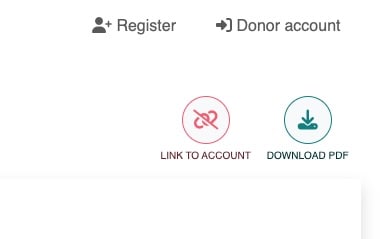
In the top right corner of the confirmation, you will find the “Connect to account” icon. Click it to assign the donation to your profile.
Log in or register
If you are already logged in, the system will automatically assign the donation to your account history.
If you are not logged in, you will need to log in or create a new account to complete the process.
Important
Make sure to use the same email address during registration that was used when making the donation. This allows the system to correctly link the payment to your account.